
At a glance
Fast because it is local. Accurate because the pipeline is not sloppy.
Most dictation marketing hand-waves the pipeline. That is dumb. The pipeline is the product. If the signal is bad, batching is naive, or the runtime is inconsistent, people feel it immediately.
What matters
- Runs the full dictation pipeline on-device.
- Uses signal cleanup before recognition, not just transcript cleanup after.
- Streams in batches so long dictation sessions do not stall at the end.
- Keeps network calls minimal and optional.
Pipeline
The on-device pipeline, step by step.
Voice activity detection
A streaming Silero speech gate marks speech islands as audio arrives, so recognition only runs on the parts that contain speech.
Segmentation
Phrase boundaries use padding and merging so short pauses do not shatter context between utterances.
Audio conditioning
A 50 Hz high-pass filter runs first, then K-weighted loudness normalisation. The loudness target depends on the path: file transcription targets −14 LUFS, live dictation targets −16 LUFS by default and −18 LUFS on the alternate topology.
Resampling
48 kHz audio is converted to 16 kHz to match Whisper-derived model expectations cleanly and consistently.
Context batching
Dictation streams in blocks with a 29 second target, clamped to a 15 to 29 second range, so longer thoughts stay coherent instead of resetting every few seconds. The target is not a hard ceiling: a single speech island longer than the target is kept whole.
Metal inference
Whisper runs through the Metal GPU backend, with a CPU-only safe mode the app latches to if a previous launch crashed during model init. The Core ML encoder path is force-disabled in the build because its fixed-shape inputs cannot take variable-length audio.
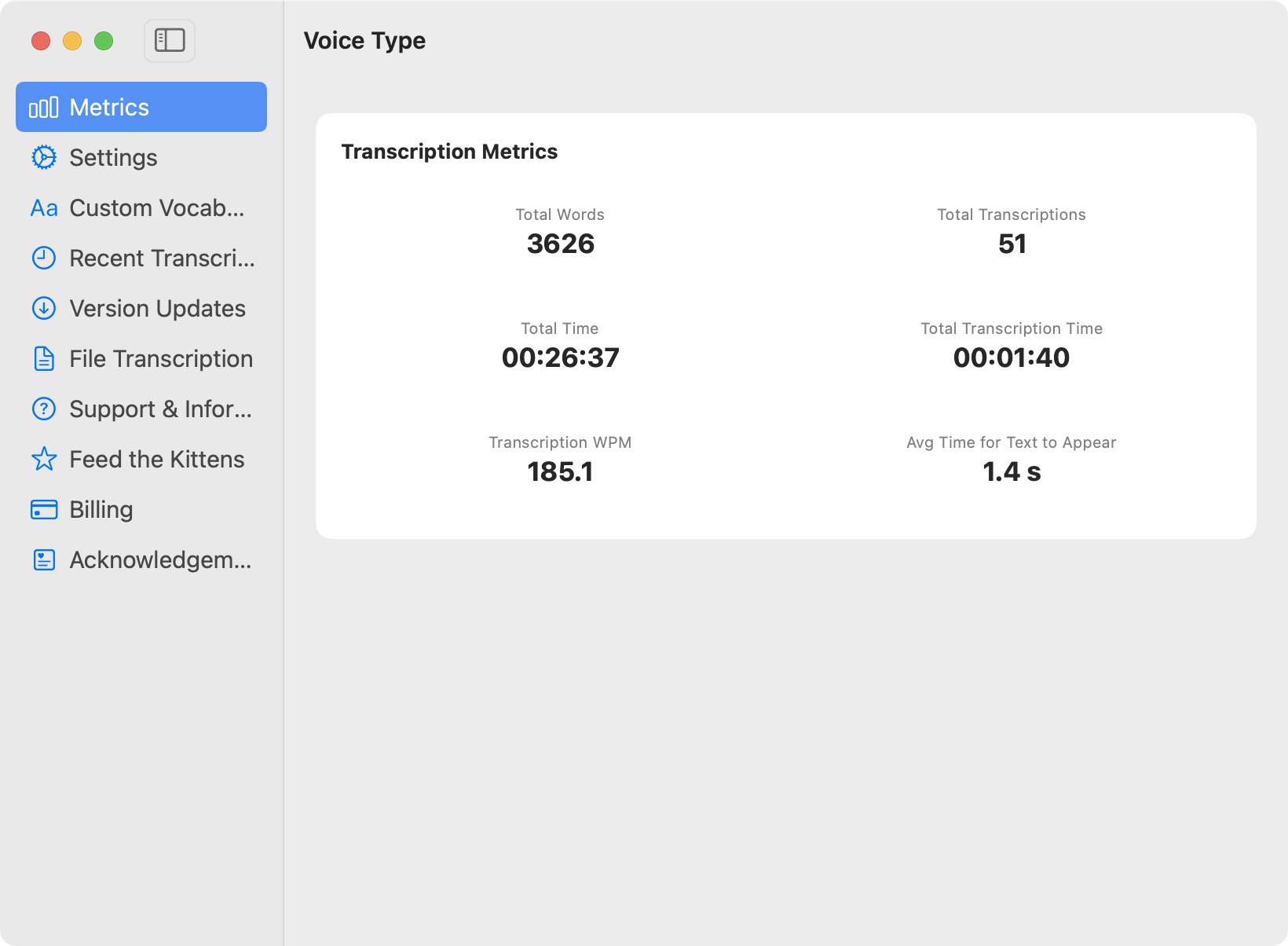
Speed
Why it feels faster in practice.
No uploads
Audio never leaves your Mac, so you avoid network latency, compression artefacts, and cloud queueing.
Bounded finalisation
Releasing the hotkey finalises only the current block, not the whole recording. Stop-to-text therefore does not grow with dictation length. We have not published a measured millisecond figure and will not until the benchmark ships with its script.
Bursty, not continuous
Inference runs only while a block is being finalised, not for the whole time the app is open. There is no idle network connection and no background upload queue holding the radio awake.
Accuracy
Why it stays accurate under normal human mess.
Signal-first improvements
We improve the audio before recognition instead of leaning on heavy prompt hacks to rescue a bad transcript afterwards.
Noise resilience
The Silero gate keeps non-speech out of the decode instead of asking the recogniser to transcribe a fan. It gates on speech, so it does not flatten consonants and sibilants the way broadband suppression does.
Domain vocabulary
Custom word lists feed into the recogniser directly, which helps technical jargon and product names survive first contact.
Trust
Privacy and reviewability are part of the engineering story.
Mac App Store distribution
Voice Type ships with Apple notarisation and sandboxing enabled.
Authentic transparency
App Store reviews are shown without filtering, including critical feedback.
Minimal network calls
We only ping Apple for receipt checks and, if you enable it, your optional rewrite provider.
Optional rewrite
Dictation stays local. Rewrite is opt-in.
If you enable bring-your-own-key rewriting, transcripts can be handed to a fast LLM for formatting, summarising, or drafting. The important part is that dictation itself does not need that path to feel immediate.
That separation matters. Speech capture should be dependable first. Language polish can be optional second.